
Random Name Picker Wheel
Paste your class or team list and spin to pick a name. Picked names can drop off automatically so everyone gets a turn before anyone is chosen twice, and the group maker splits the list into random pairs, teams or tables in one click.
- Free to use
- No sign-up
- Runs in your browser

Name picker wheel
Random groups
Classroom Name Picker Printables
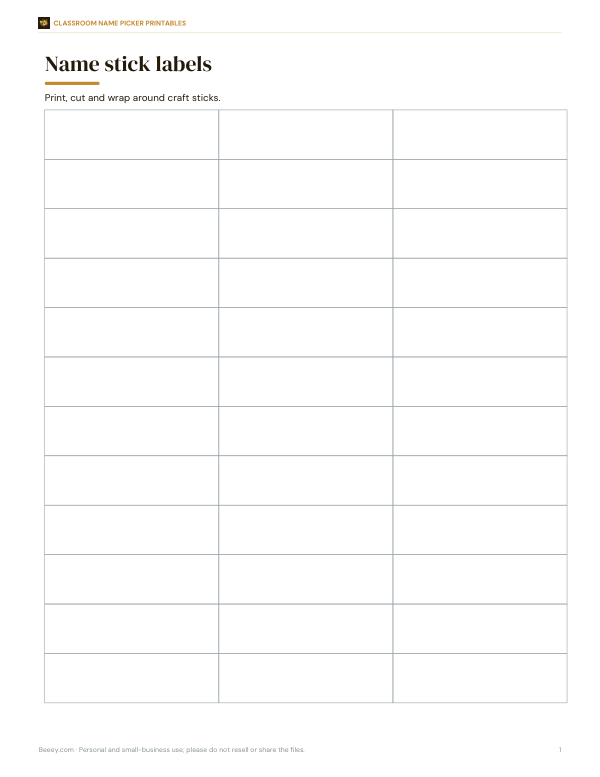
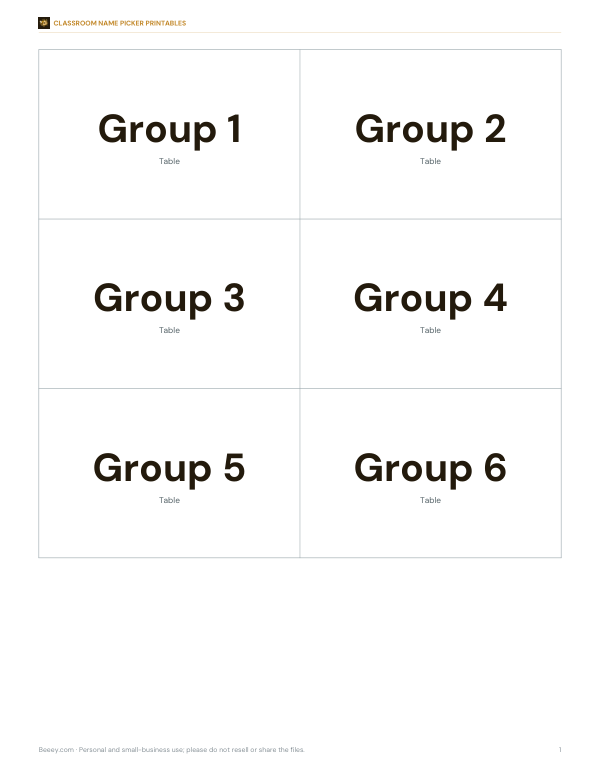
Printable name stick labels, table group cards, a participation tracker, group role rotation sheet and a random calling routine poster.
- Participation tracker (PDF, XLSX)
- Name stick labels (PDF, DOCX)
- Table group cards (PDF, DOCX)
- Group role rotation (PDF, DOCX, XLSX)
- Routine poster (PDF, DOCX)
Formats: PDF, XLSX, DOCX. Instant download after payment (link valid 72 hours, up to 5 downloads). AI-assisted: the templates were drafted with AI help and reviewed and laid out before publishing.
$3.00 USD, one-time 5 files · about $0.60 each
- Instant download
- 7-day refund
- Secure checkout by Stripe
✓ Classroom use included
7-day money-back guarantee. Full refund within 7 days of purchase, even after you download.
Free sample: Group Role Rotation (PDF, 63 KB)
Full refund within 7 days — see the refund policy and license.
License: personal and classroom use. Teachers may print and photocopy these files for the students in their own classes, and share them in a password-protected class space (e.g. Google Classroom). Please do not resell, redistribute, or post the files on public websites. One purchase covers one teacher.
Free printables
Single sheets you can print right now, no sign-up. The full pack adds every sheet in one download plus the editable files.
 Printable Group Role Rotation Chart
 Printable Questioning Routine Poster
Why teachers use a random name picker
Calling on students at random — sometimes called “cold calling” or “no hands up” questioning — keeps the whole class thinking, because anyone might be asked. A visible random picker makes the process feel fair and removes any sense that the teacher is picking favourites or targeting someone. It also helps quieter students get a voice in discussions that might otherwise be dominated by the same few hands. Combined with wait time and supportive follow-up, random selection can raise participation across the room.
How to use the name picker
- Paste your class list into the names box — one name per line. You can copy a column straight from a spreadsheet or register.
- Click “Pick a name”. The wheel spins and stops on a randomly chosen student.
- With “Remove picked names” on, that student drops off the wheel so everyone gets a turn before anyone is picked twice.
- Click “Restore all names” to put everyone back for a new round.
- Use “Make groups” to split the current list into random groups.
The winning name is chosen first using the browser’s cryptographic random number generator; the wheel animation then lands on it. Every name on the wheel has the same chance.
Making random groups
| Choose | Example with 12 names | Result |
|---|---|---|
| Groups of 2 | Pairs for think–pair–share | 6 pairs |
| Groups of 3 | Small discussion groups | 4 groups of 3 |
| Groups of 4 | Project teams or table groups | 3 groups of 4 |
| This many groups: 5 | Stations or rotations | 5 groups of 2–3 |
When the list does not divide evenly, some groups get one extra member. Random groups mix students who might not normally work together, which builds a more connected class; for tasks that need balanced skills, you may still want to adjust groups by hand afterwards.
Making random calling supportive
- Ask the question first, give thinking time, then pick the name — so everyone prepares an answer.
- Let students talk with a partner before you pick, so they can rehearse.
- Allow “phone a friend” or “I’d like to come back to this” so no one is stuck.
- Praise thinking and effort, not only correct answers.
- Avoid random calling for very personal or high-stakes questions.
- Explain the routine to the class so they know it is fair and predictable.
Other uses
- Team meetings — pick who shares updates first or who takes notes.
- Clubs and sports — choose captains, batting order or team splits.
- Workshops — form breakout groups instantly.
- Families — decide who chooses the film or does the washing-up.
- Raffles among a small group — spin once per prize with removal on.
Worked example
A teacher has 12 students. For a review lesson, they ask a question, allow 20 seconds of thinking, then click “Pick a name”: the wheel lands on Hana, who answers, and her name drops off. Over the lesson, all 12 students are picked once. For the second half, the teacher chooses “groups of 4”, clicks “Make groups” and gets three random teams for a quiz, printing the groups to post on the board. Next lesson, “Restore all names” puts the full list back.
Equity sticks and printable options
Many teachers also use “equity sticks” — lolly sticks with a student’s name on each, drawn from a cup and moved to a second cup once used. The paid pack includes printable name stick labels, table group cards, a participation tracker to note who contributed, and a rotation sheet for planning roles such as reader, recorder and reporter.
How random is it?
Each pick uses the browser’s cryptographic random number generator (the Web Crypto API), and every remaining name has an equal chance. With removal on, the order of picks is a random permutation of the class. Randomness can still produce streaks that look unfair — with removal off, the same name can come up twice in a row — so most teachers keep removal on during lessons.
Tips for using the wheel on a projector
Use first names or nicknames only, so the wheel stays readable and no unnecessary personal information is displayed. Zoom the browser so the wheel fills the screen, and keep the names box scrolled out of view if you prefer students not to see who is left. For large classes, split the list into two wheels — for example, by table — and alternate between them. If a student is absent, delete their name for the lesson; restore the full list next time by pasting the saved class list.
Privacy
Student names stay in your browser. They are not uploaded, stored or shared, and they disappear when you close the page, so you can use the picker without creating accounts or sharing class data with a third party.
Frequently asked questions
Is the name picker random?
Yes. It uses the browser’s cryptographic random number generator, and every name has an equal chance.
How do I stop the same name being picked twice?
Keep “Remove picked names” ticked. Click “Restore all names” to start a new round.
Can I make random groups?
Yes. Choose a group size or number of groups and click “Make groups”.
How many names can I add?
Any number, though the wheel is most readable with up to about 40 names.
Are student names stored?
No, they stay in your browser and are not uploaded.
Can I use it on a smartboard?
Yes, open the page on the classroom computer and project it.
Can I weight some names?
Yes, list a name twice to double its chance — but for fair classroom use, equal chances with removal on are usually best.
May I print and share these worksheets with my class?
License: personal and classroom use. Teachers may print and photocopy these files for the students in their own classes, and share them in a password-protected class space (e.g. Google Classroom). Please do not resell, redistribute, or post the files on public websites. One purchase covers one teacher.